
How Can We Help?
Principal brokers, branch brokers, and office assistants have the ability to setup and edit ShowingTime settings for all listings within their office.
How to Edit ShowingTime Settings for Other Agents’ Listings in My Office
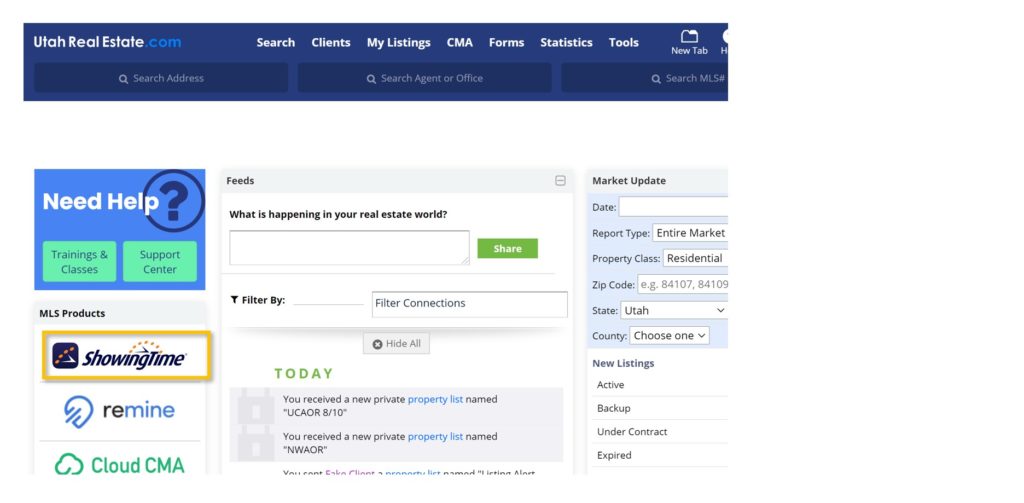
1. From the UtahRealEstate.com homepage, select the ShowingTime icon on the left-side of the page to access your ShowingTime account.
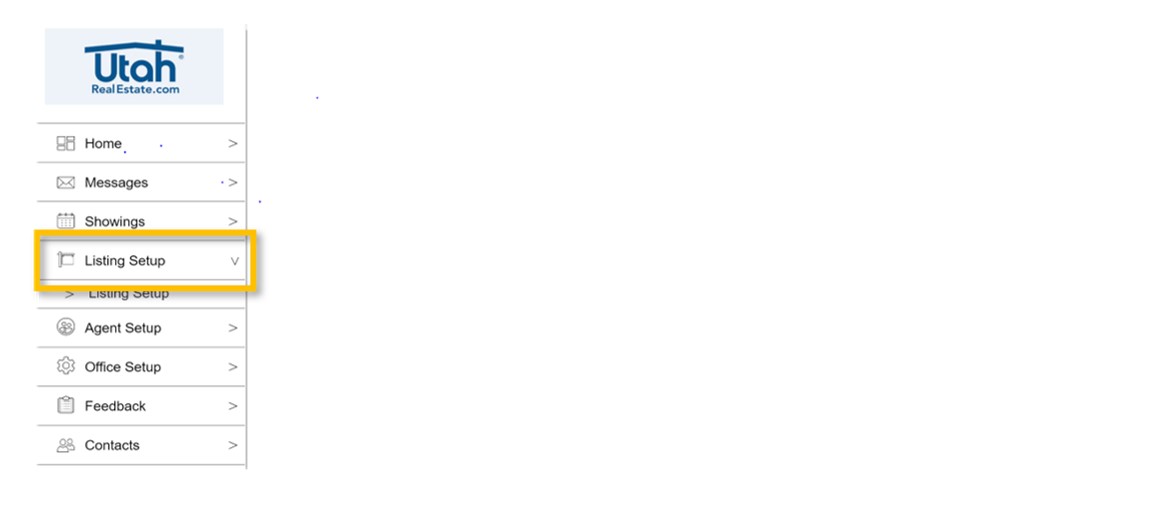
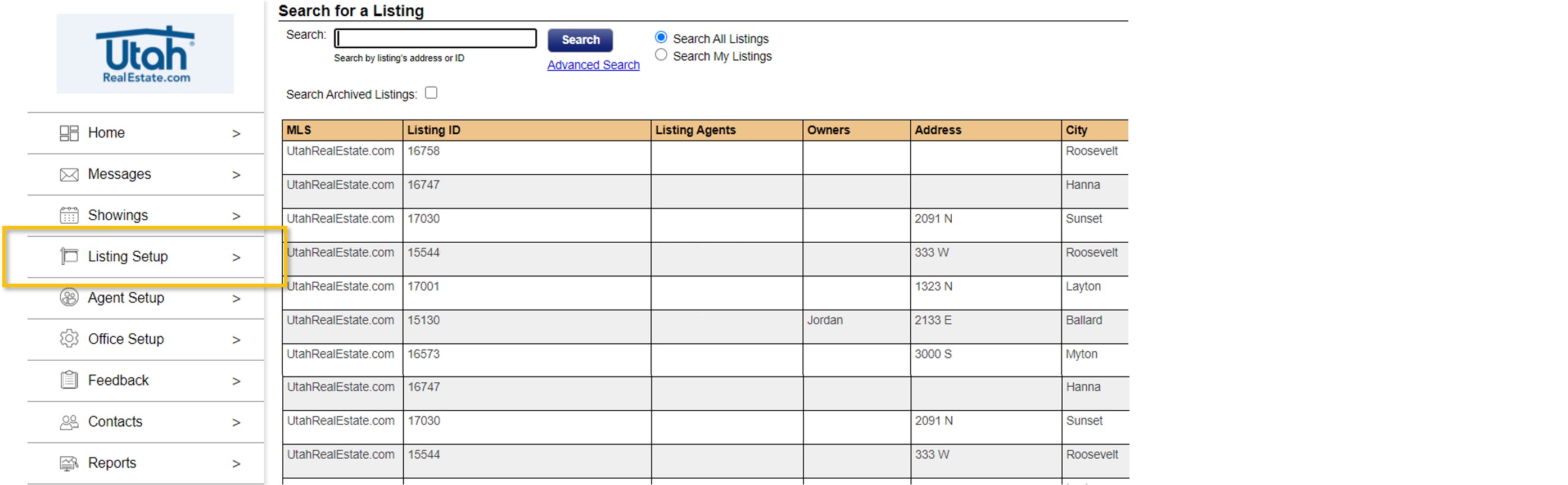
2. Within your ShowingTime account, select the Listing Setup option from the menu that appears on the left-side of the page.
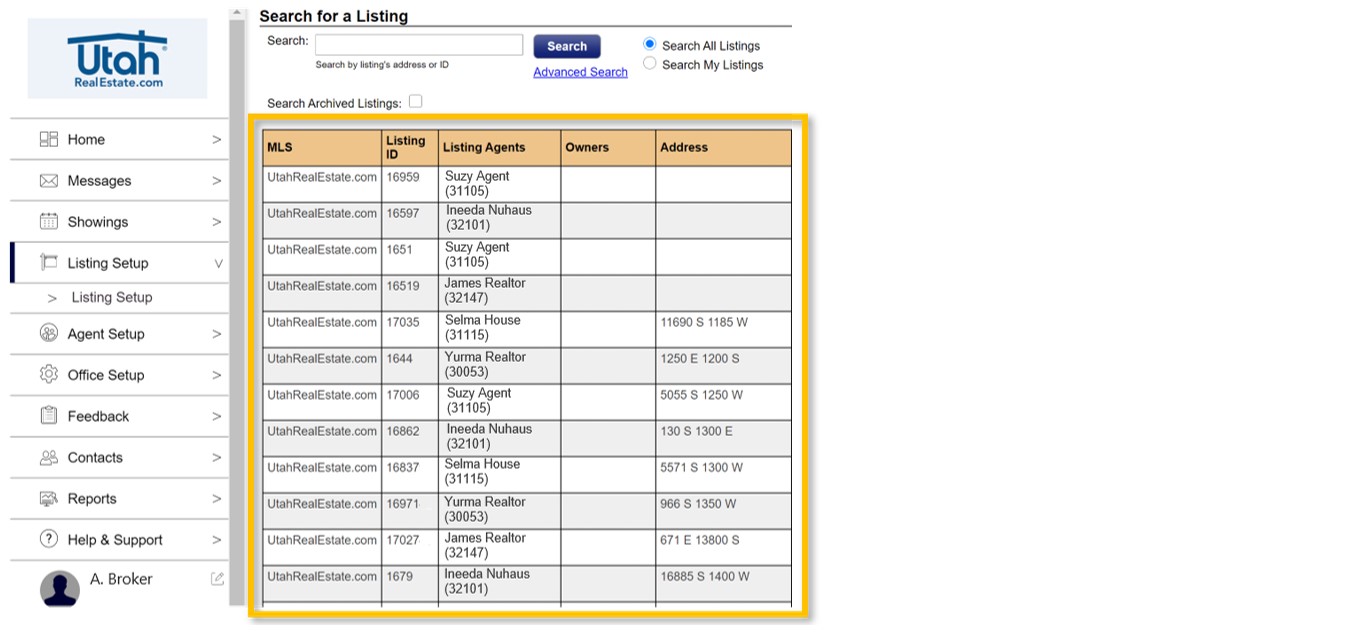
Clicking the Listing Setup option will open a grid view (as seen below) that will include all listings in your office.
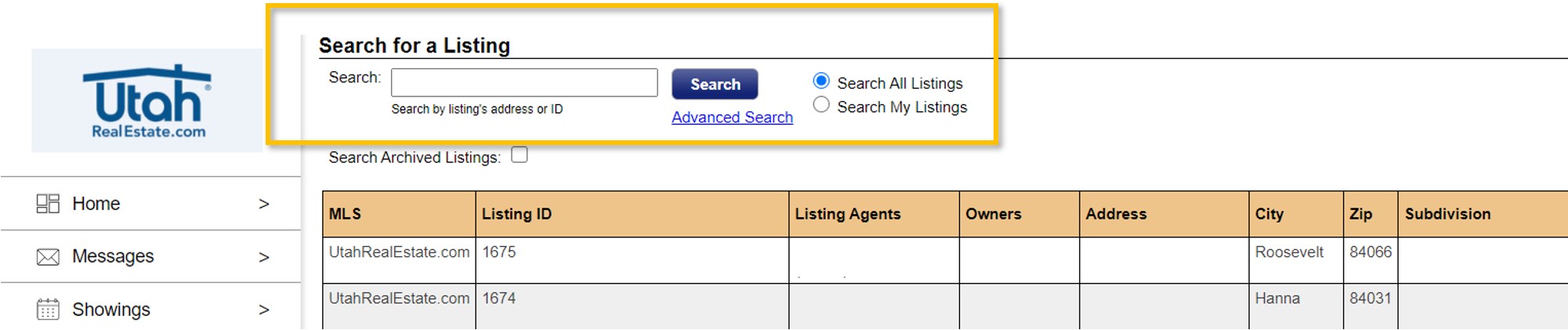
You can also use the Search bar to narrow the results that appear on the grid if you are looking for a specific listing or a specific agent’s listings.
3. Last, once you have found the listing that you want to edit with respect to the ShowingTime settings or preferences, simply click anywhere on that row to edit the listing.
How Do I Edit ShowingTime Settings for Listings in My Brokerage/Company but Not in My Specific Office?
Principal brokers, branch brokers, and office assistants not only have the ability to setup and edit ShowingTime settings for all listings within their specific office, they also have the ability to setup and edit ShowingTime settings for all listings within their brokerage/company.
1. From the UtahRealEstate.com homepage, select the ShowingTime icon on the left-side of the page to access your ShowingTime account.
2. Within your ShowingTime account, select the Office Setup option from the menu that appears on the left-side of the page.
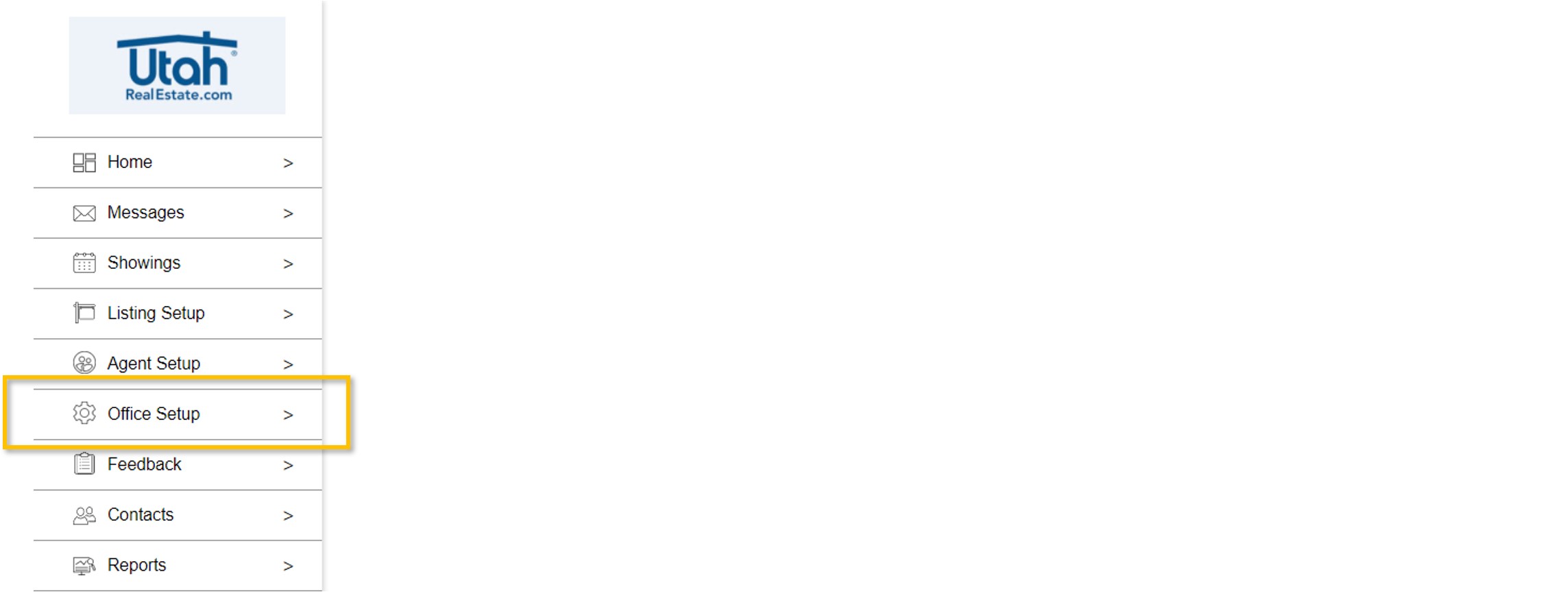
3. On the Office Setup page, use the drop down menu next to the section at the top of the screen that says Select an Office to Manage in order to select another office in your brokerage/company.

4. Last, after selecting the office you want to manage, click the Listing Setup option from the menu that appears on the left-side of the page, which will open a grid view of all listings in the particular office that you selected.
If you need any assistance, please contact us at 801-676-5400 or support@utahrealestate.com.