
Skip to main content

How Can We Help?
Can I Search Multiple Property Classes from the Quick Search Bar?
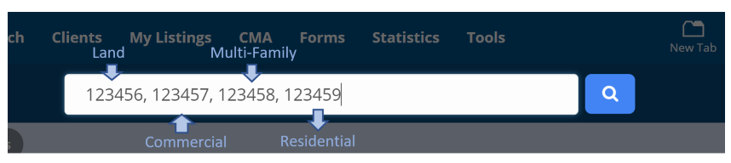
1. To search multiple property classes in the quick search bar, select Search MLS#.
2. Then enter in each MLS# to be searched, separating each number with a comma.
If more than one property class is searched, such as Residential and Commercial, the search results will display in a Cross Property Report.