You can use the MLS Mobile App to text listings to your clients. Listings sent by text will be branded to you so long as you are logged-in to your MLS account in the app.
How do I Send Listings Via Text?
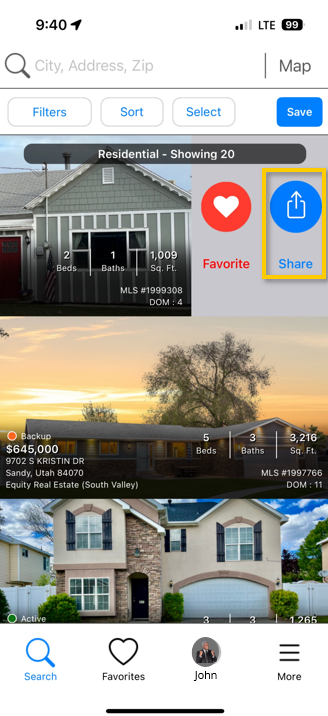
To send a listing from a list of search results, simply swipe left on a listing and select Share.
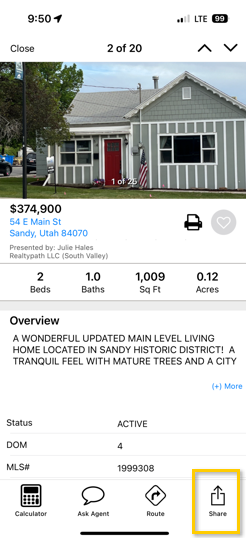
To send a listing from the Listing Details Page, select Share in the bottom right-hand corner.
On the next screen, select the message icon, enter in your client’s cell phone number and send your text as you normally would.