
Skip to main content
How Can We Help?
Once a Property List is created, you can edit the name of the Property List and update any associated client(s) with these instructions.
How Can I Edit a Property List?
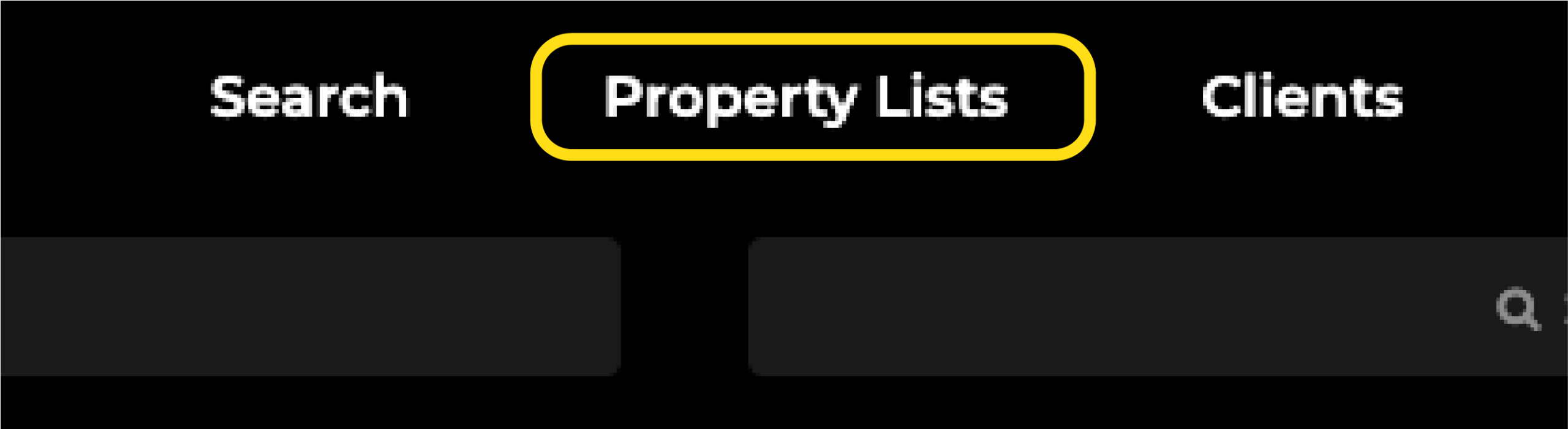
Click on the Property Lists link at the top of the MLS page.
From there, click on the Property List you would like to edit.
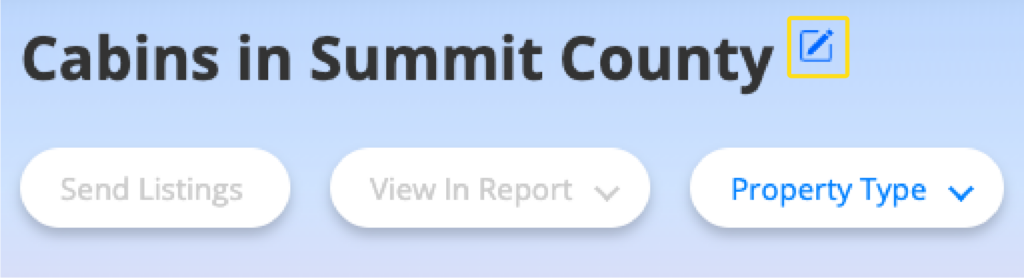
Next to the Property List name (at the top), click on the Edit button.
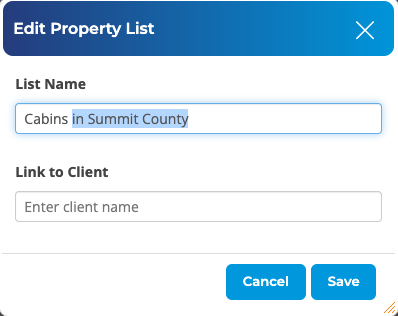
In this section, you can edit the name of the Property List, and add or remove a client or multiple clients. Click Save when you are finished.