The Property Lists feature is a way to save listings to different lists. You can add and remove listings as desired, and associate different Property Lists with your clients for ease of use.
You can add a listing to a Property List from the search results page, when viewing listing reports, or from a Listing Alert.
How to Add a Listing to a Property List from a Search?
Perform your search, and click on View Results.
Select one or multiple listings.
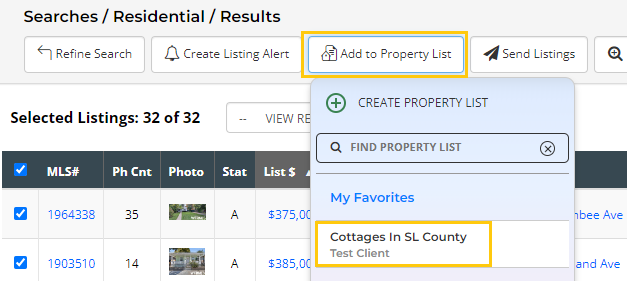
Click on Add to Property List at the top, and you can then add the listing[s] to your My Favorites (which is your default Property List) or you can select a specific Property List to which to save the listing[s].
If needed, you can Create a new Property List from this page.
How to Add a Listing to a Property List from a Listing Alert or Listing Report?
Click to open your Listing Alert from the link included in your Listing Alert email. This will open the listing(s) in a report.
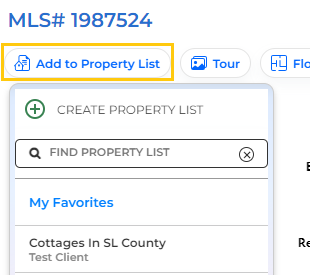
Click on the button at the top of the listing to Add to Property List.
Select the Property List to which you want to add the listing[s].
If needed, you can Create a new Property List from this page.