Note: Click here for instructions on opting to receive email alerts whenever a client marks a property as a Favorite.
How do I View the Properties my Clients have Favorited?
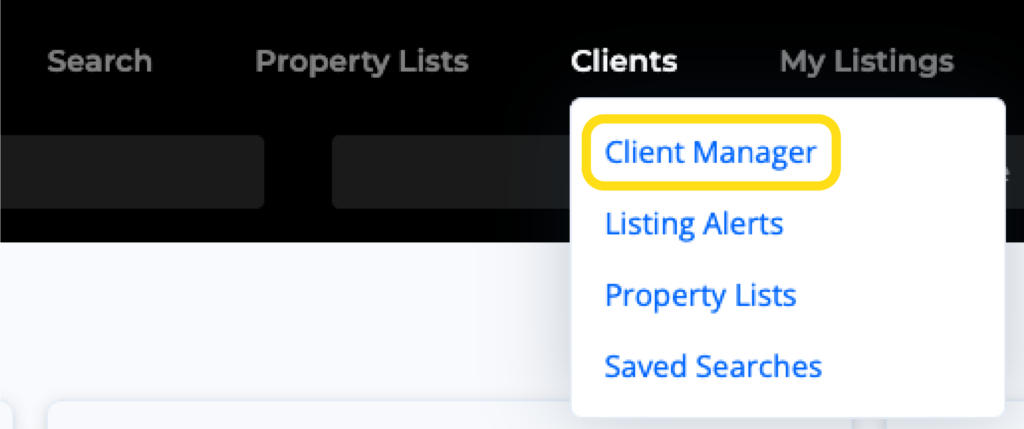
1. Click on the Clients option from the main navigation menu in the MLS, then select Client Manager.
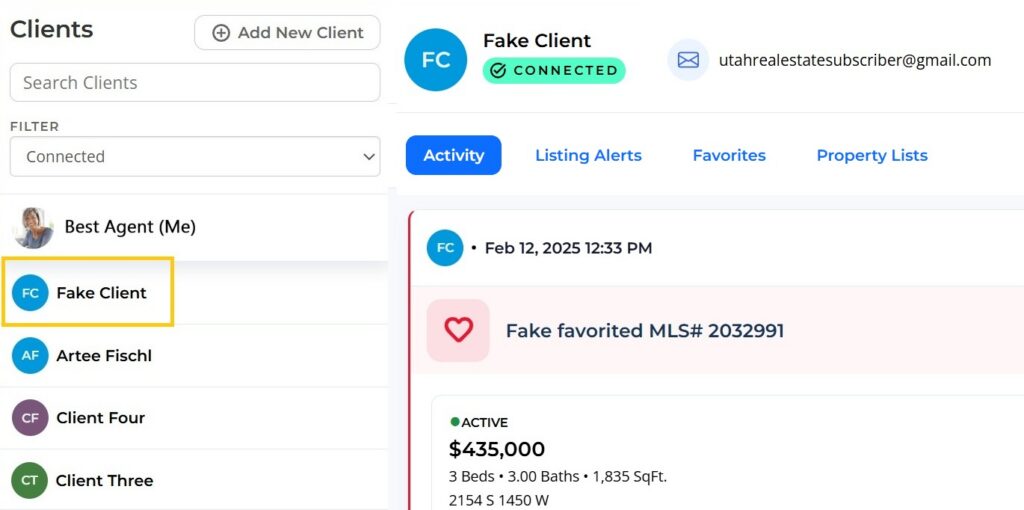
2. Select your client’s name from the menu on the left.
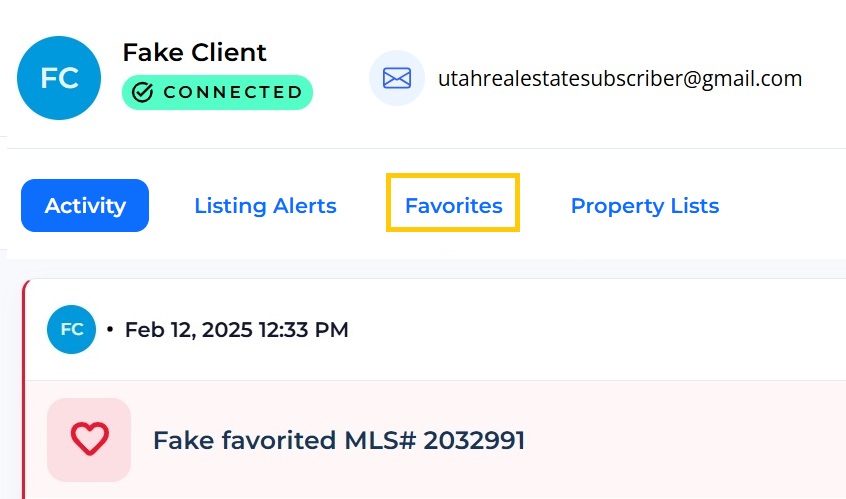
3. Select the Favorites tab.
Can I View my Clients’ Favorites in a Report?
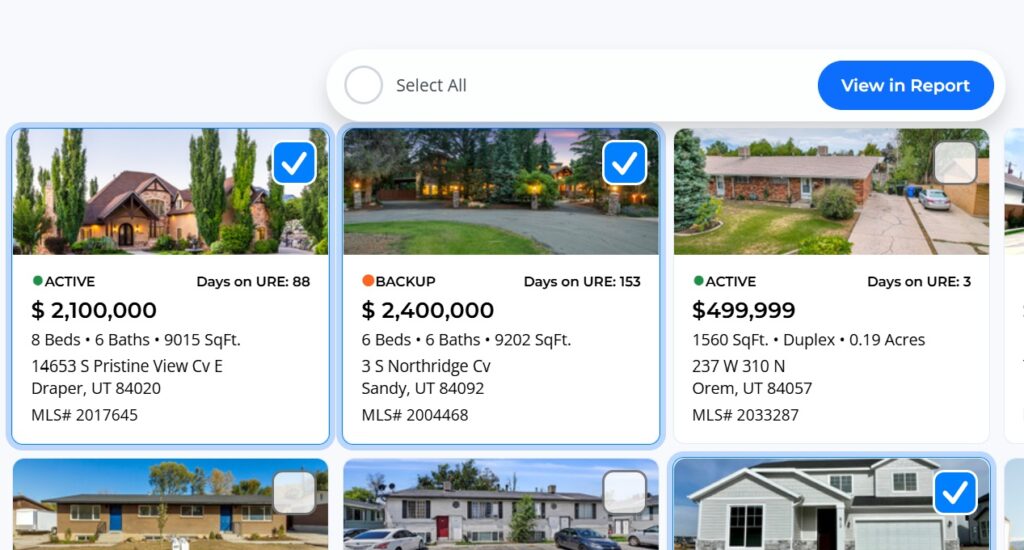
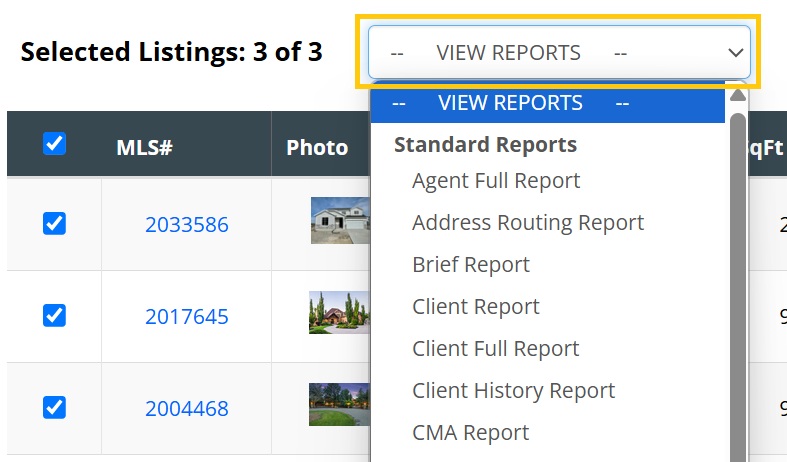
To view your clients’ favorites as a report, Select the listings you would like to view. Use Select All to include every listing the client has marked as a favorite. Then choose View in Report.
You can then choose the preferred report, such as the Agent Full Report, or the Address Routing Report. You can also add the listings to an Aligned Showings Route, where you can schedule and request showings, and create a map to each showing.