
Skip to main content
How Can We Help?
How do I Export Contacts from my MLS Client Manager?
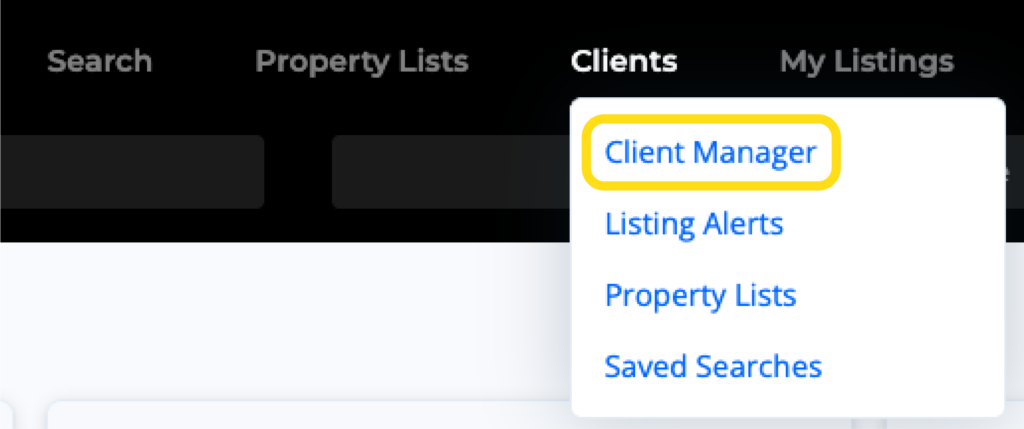
1. Click on the Clients option from the main navigation menu in the MLS, then select Client Manager.
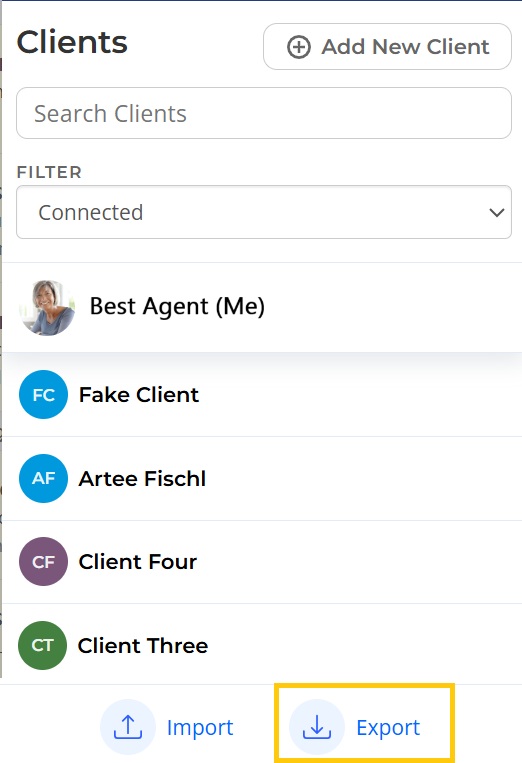
3. Select Export at the bottom left. This will download a CSV file that contains all of your clients.