
How Can We Help?
What is the Benefit of Receiving Text Messages for ShowingTime Alerts?
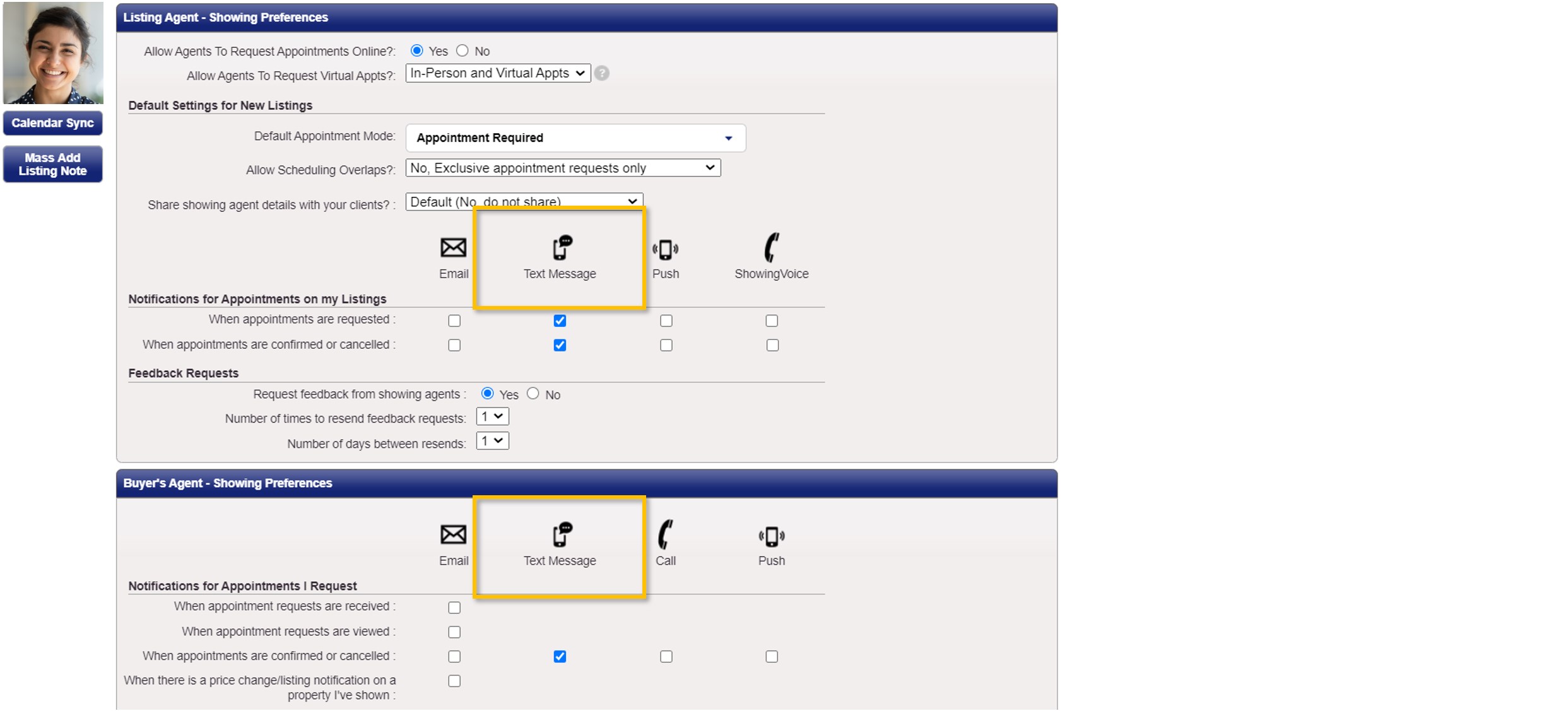
As a listing agent, setting up text message alerts for ShowingTime allows you to receive a text message whenever a buyer’s agent requests to show your listing, which you can then confirm or deny via text message. Additionally, if you have configured ShowingTime so showing requests go to someone other than you (such as the co-listing agent, your assistant, the seller, etc.), you can also enable text message alerts that will notify you whenever a showing request has been confirmed or canceled by them.
As a buyer’s agent, you can enable text message alerts so you can receive notifications regarding the status of your showing request via a text message, such as whether the showing request was confirmed or denied.
How do I Receive Text Messages for ShowingTime Alerts?
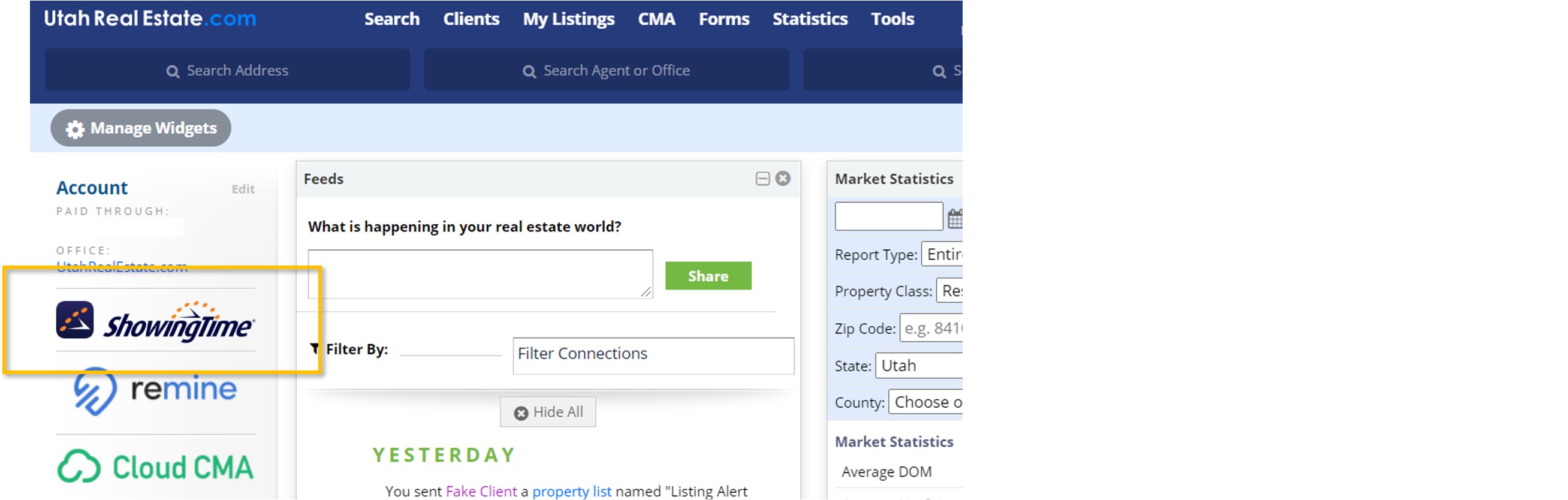
1. From the UtahRealEstate.com homepage, click on the ShowingTime icon on the left side of the page.
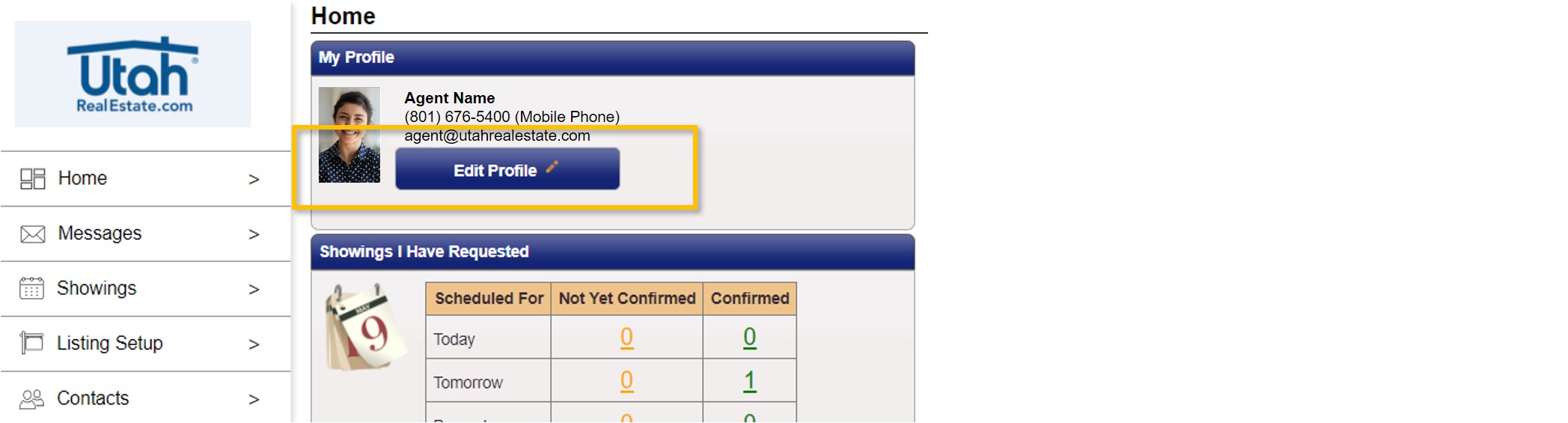
2. From there, click on Edit Profile.
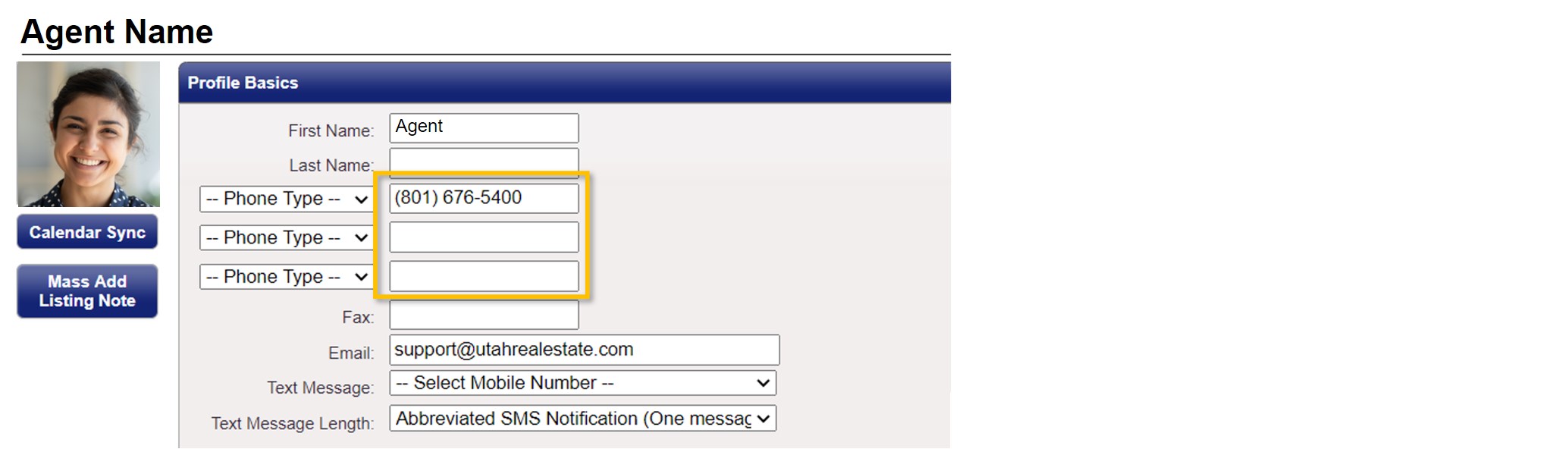
3. Enter or confirm your cell phone number in one of the phone number fields.
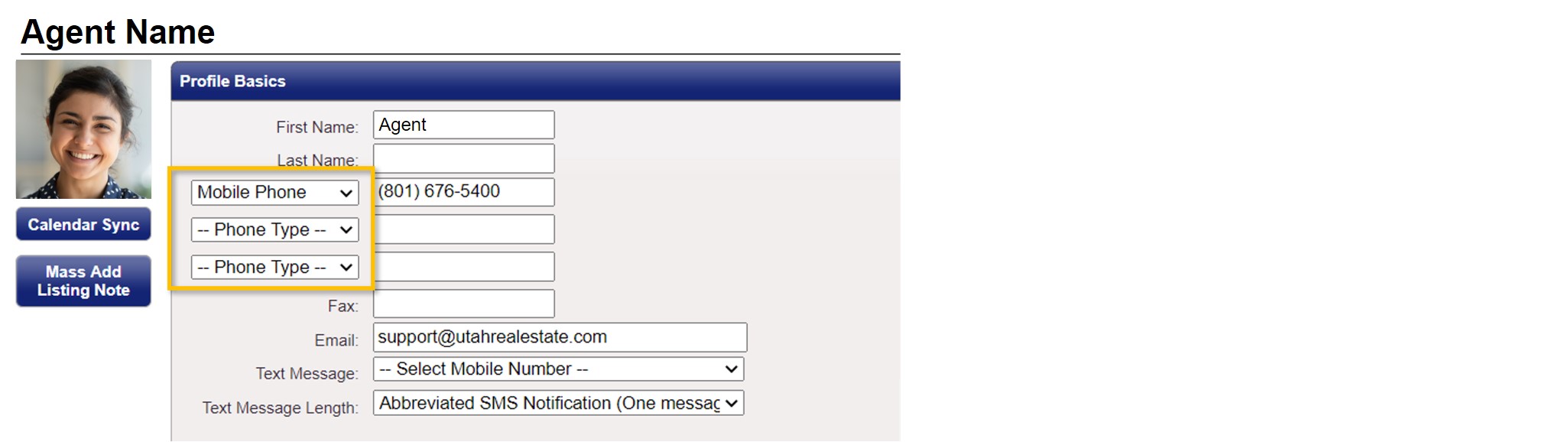
4. Use the drop down menu next to your cell phone number and choose the Mobile Phone option.
5. Make sure your cell phone number appears in the Text Message field (outlined below). If your number does not appear in this field, use the drop down menu to select your cell phone number.
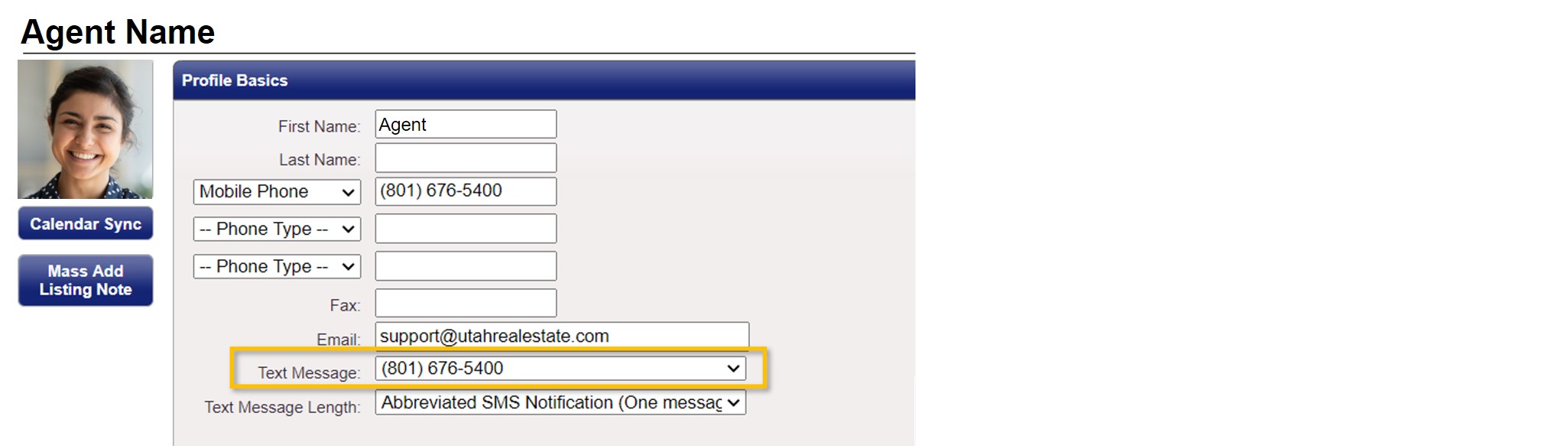
6. After adding your cell phone number, you can setup text message alerts for all of your listings and for all listings where you represent a buyer. This is also done through the ShowingTime profile. Simply click the applicable check boxes that appear in the Listing Agent – Showing Preferences and Buyer’s Agent – Showing Preferences sections.
7. Last, when you are finished, click Save Changes at the top of the screen.

If you need any assistance, please contact us at 801-676-5400 or support@utahrealestate.com.