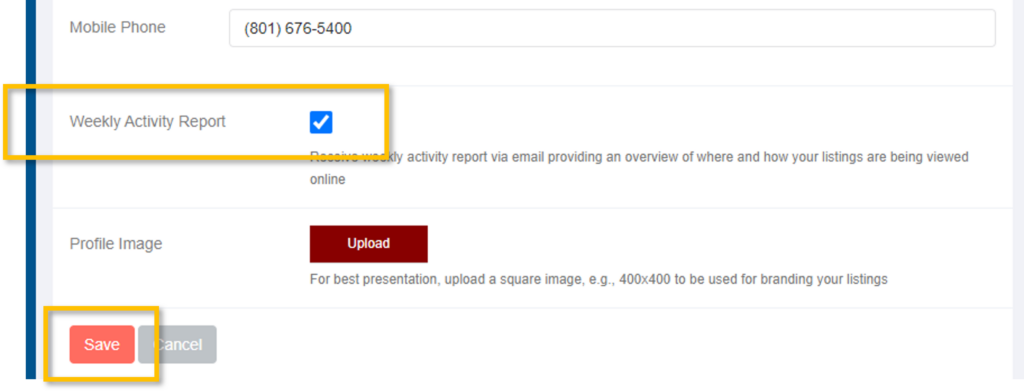
What is the Weekly Activity Report?
The Weekly Activity Report is an email report from Listtrac showing an overview of where and how your listings were viewed online over the previous week.
Who will receive the Weekly Activity Report emails?
Each agent with at least one Active listing will automatically receive an email with the views on their listing(s) from the previous week. Brokers and assistants will receive an email for all office listings.
How Do I Send the Weekly Activity Report emails to My Seller?
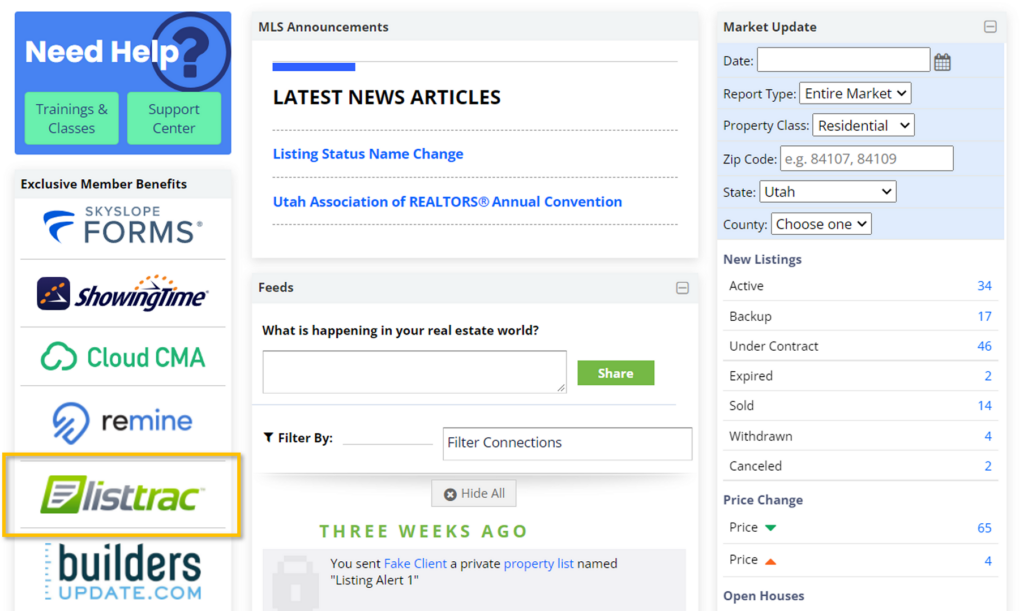
Step 1. Access Listtrac by clicking on the Listtrac link on the MLS Dashboard.
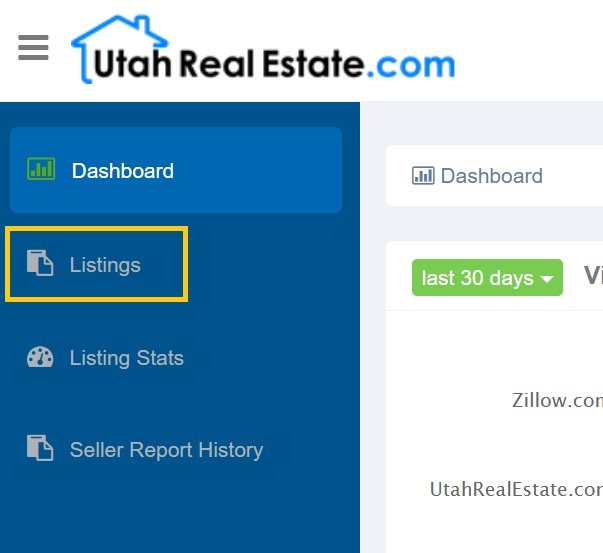
Step 2. Click on Listings, on the left side of the page.
Step 3. To the right of the listing, click on schedule delivery of seller report.

Step 4. Enter your seller’s name and email address. You can adjust the body of the email that is sent to your seller, and adjust the frequency of the emails, on this page.
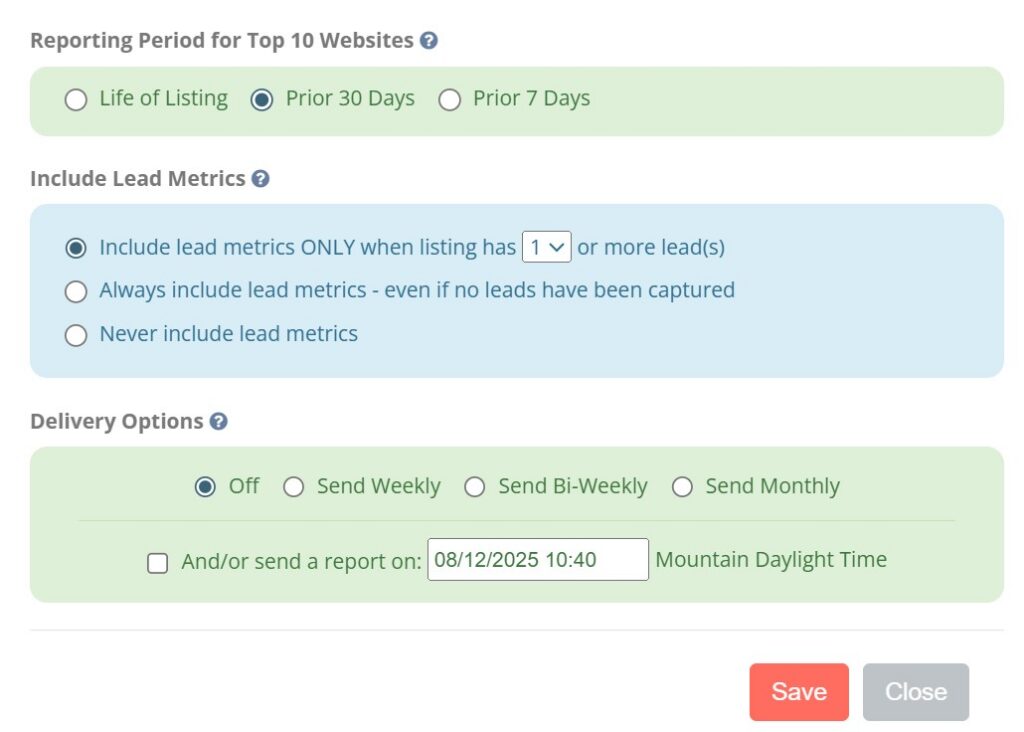
Step 5. Click on Save.
How do I turn off the Weekly Activity Report emails?
To disable the weekly activity emails:
Step 1. Access Listtrac by clicking on the Listtrac link on the MLS Dashboard.
Step 2. Click on your name in the top right corner, and then on My Account.
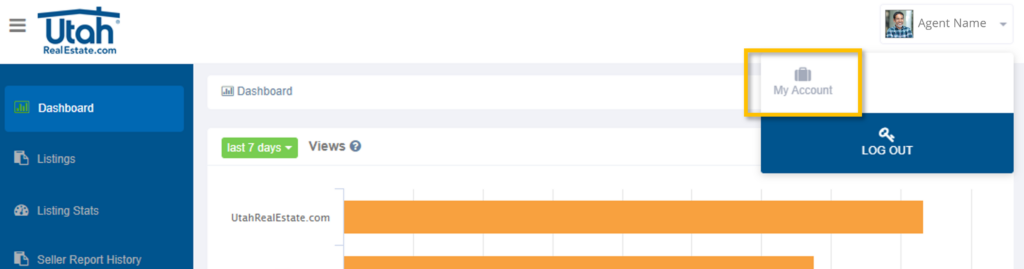
Step 3. Remove the check next to Weekly Activity Report, and select Save.