
RentSpree is a software used to screen tenants and manage rental applications, allowing you to streamline the tenant application process for your rental (Residential Lease) listings. Below is more information about this new feaure.
How Can I Enable RentSpree on My Residential Lease Listings?
For unfinished listings, choose “RentSpree” in the “Rental Management” section of your MLS listing.
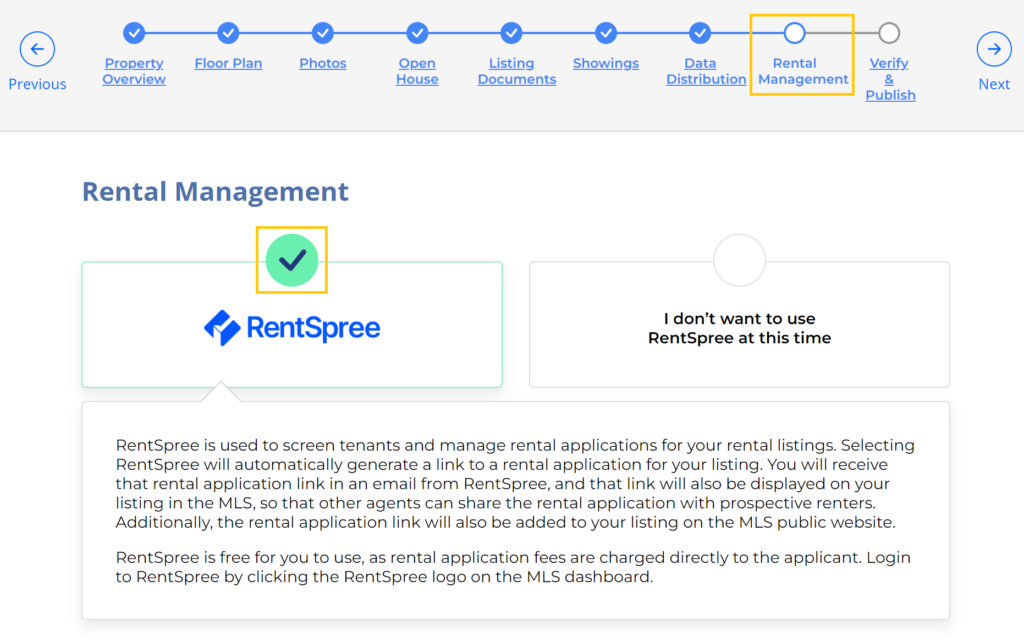
On your existing listings, access your listing inventory, and Edit the listing. Then choose Rental Management. Then click to enable RentSpree.
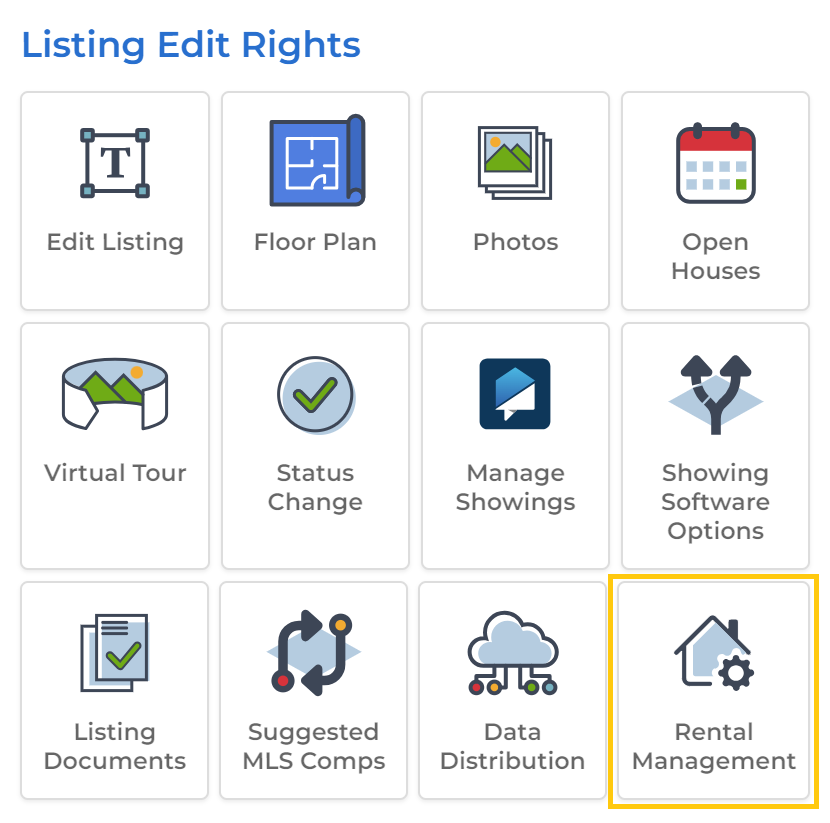
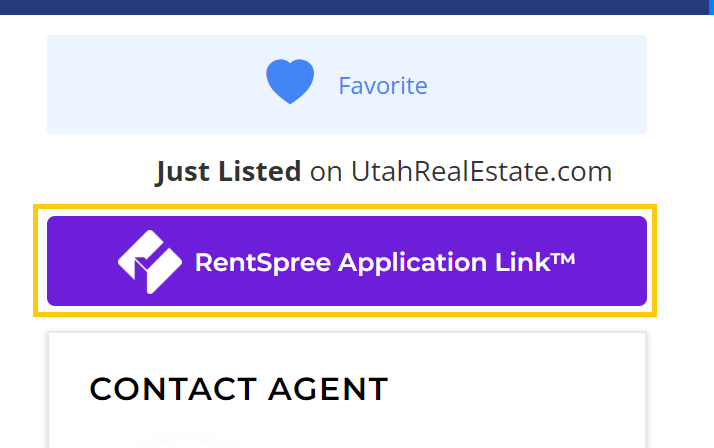
How Does RentSpree Appear on My Listing(s) When Enabled?
On the public site, a link to submit an application through RentSpree appears at the top of the listing, above the listing agents’ contact information.
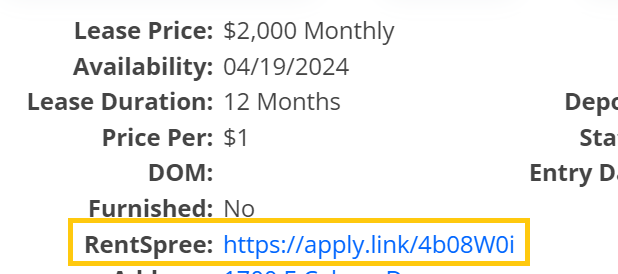
On the member side, a link to submit an application through RentSpree that you can share with your interested client(s) appears in the Agent Full, Listing Details, and Client Reports.

How Can I Log into My RentSpree Account to View Completed Applications?
Go to the homepage on UtahRealEstate.com, and click on RentSpree on the left side of the page.
FAQs
Q: Can I customize the rental application?
A: No, the rental application cannot be customized.
Q: Is there a fee for agents to use RentSpree?
A: RentSpree is free for you to use. All application fees are charged directly to the applicant.
Q: Can my assistant access my RentSpree account if they have permissions to Work As my account?
A: For tenant privacy, only the member (on the account) can access the RentSpree account.
Q: What if I have other questions about RentSpree or the application process?
A: Visit RentSpree’s help center here: https://support.rentspree.com/en
If you need any assistance, please contact us at 801-676-5400 or support@utahrealestate.com.