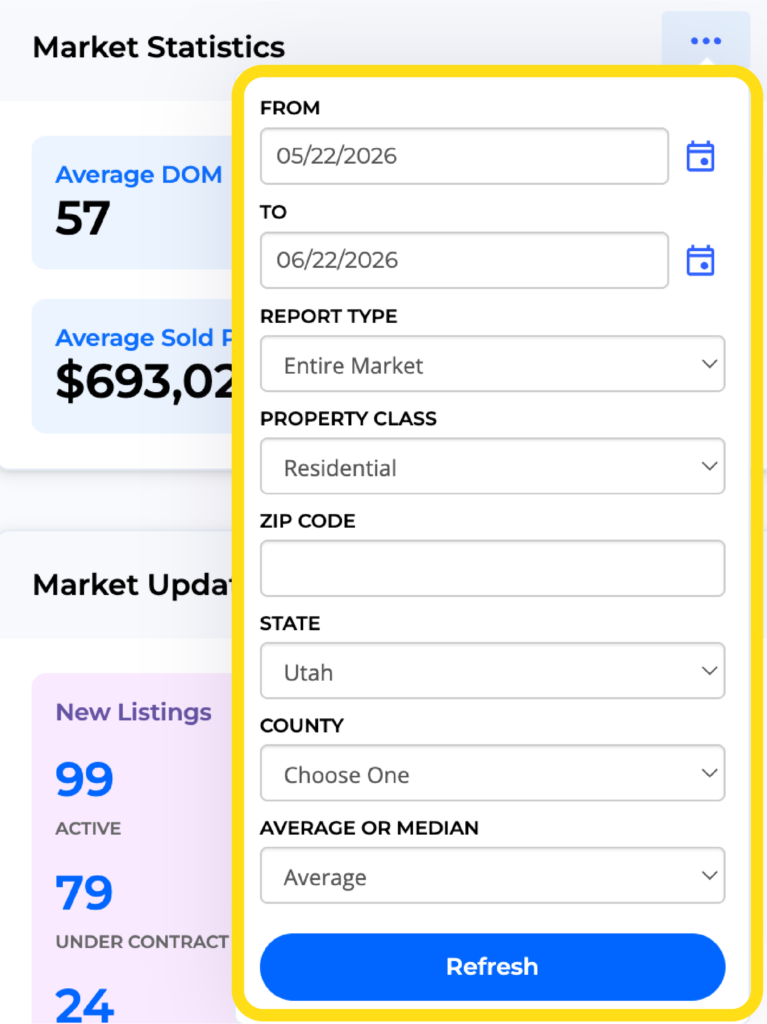
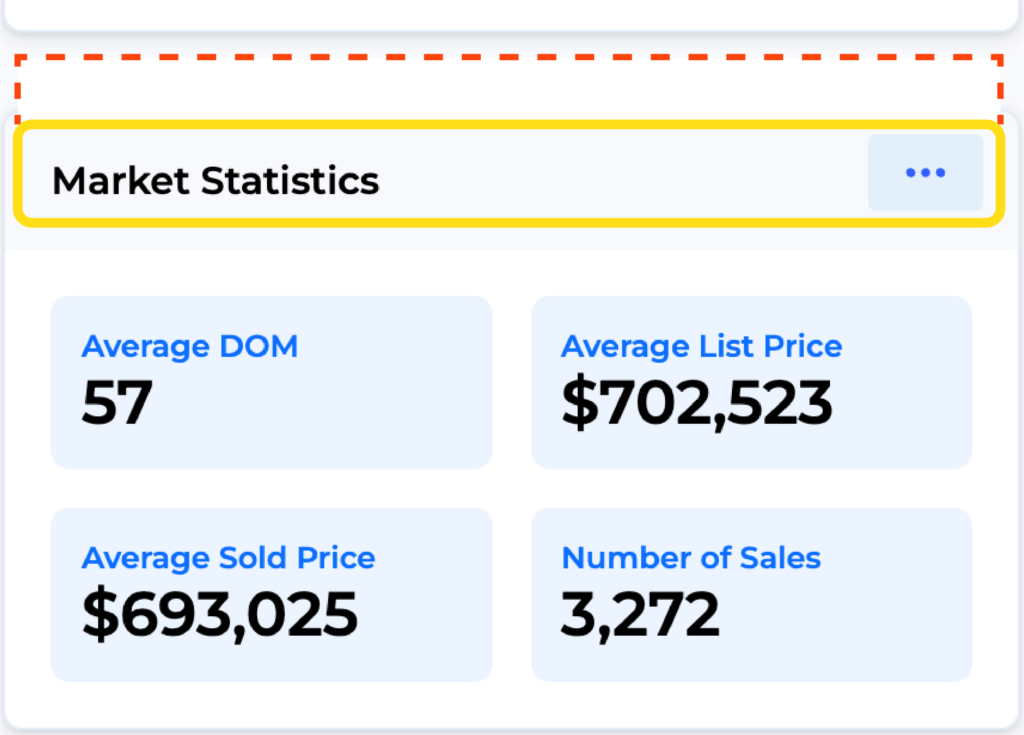
The Market Statistics Widget is found on your MLS Dashboard for easy access to statistics. This widget displays statistics for the entire MLS for the last month. However, you can also choose to look at the statistics of just your office or your individual listings. You can also specify a date range. To further narrow the statistics results, search by county or zip code.
To rearrange the widget appearance on your dashboard, click on the top of any widget and drag to the desired location.