How Can We Help?
The Daily Snapshot Report compares the number of Active, Backup, Under Contract, Withdrawn, and Off Market listings with historical listing data on a specific day or within a selected date range. The Daily Snapshot Report can pull these statistics going back to February 22, 2011.
How do I use the Daily Snapshot Report?
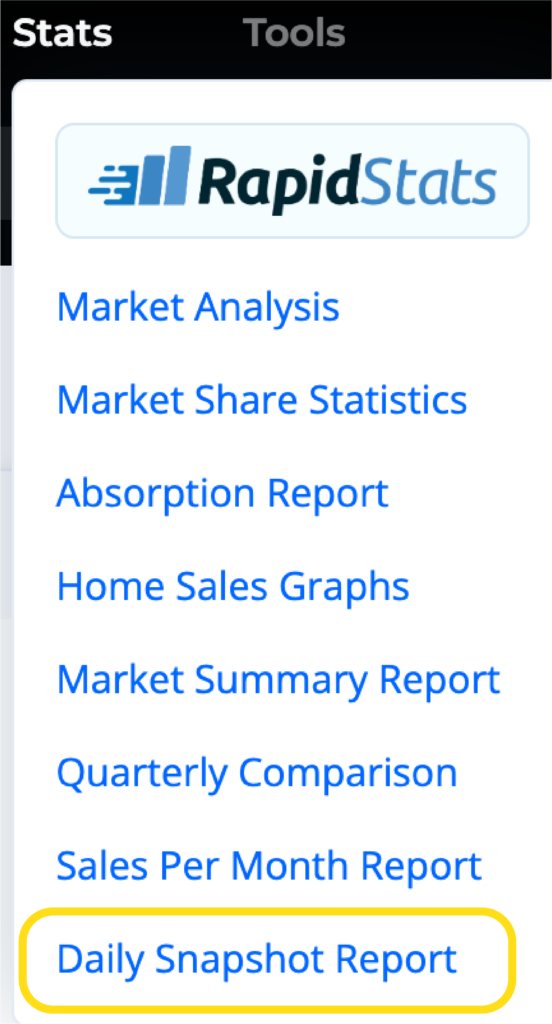
Begin by selecting Daily Snapshot Report from the the MLS Statistics Tab.
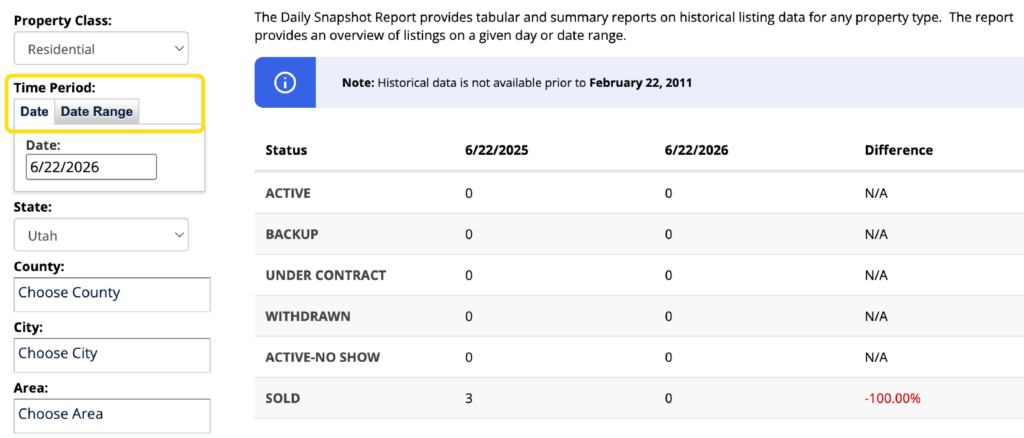
Locate the search fields on the left-hand side of the page and enter a Date or Date Range. To narrow down the search for a particular area, enter the County, City, Area, or Zip Code. You can select or deselect a status on the bottom left.
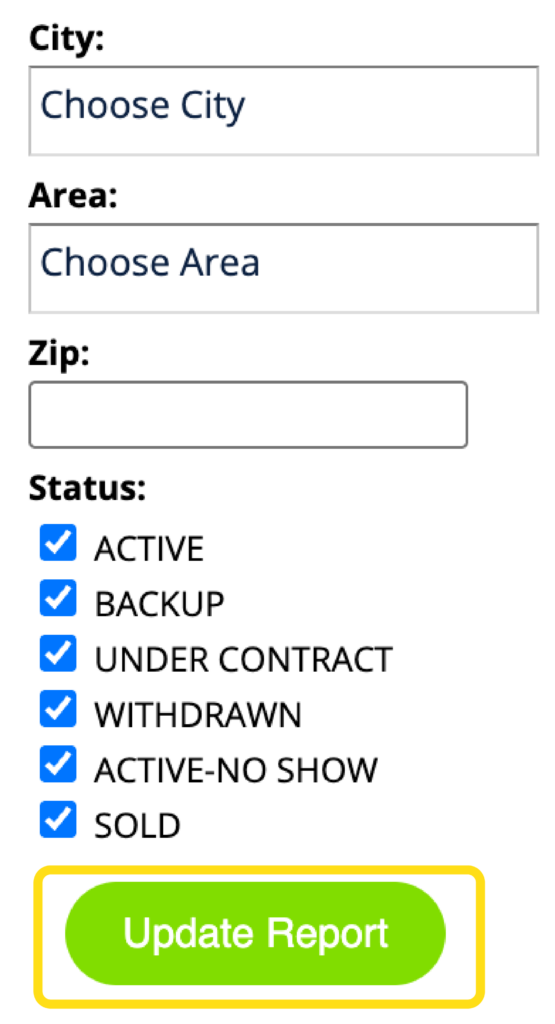
Click on Update Report to view the results.
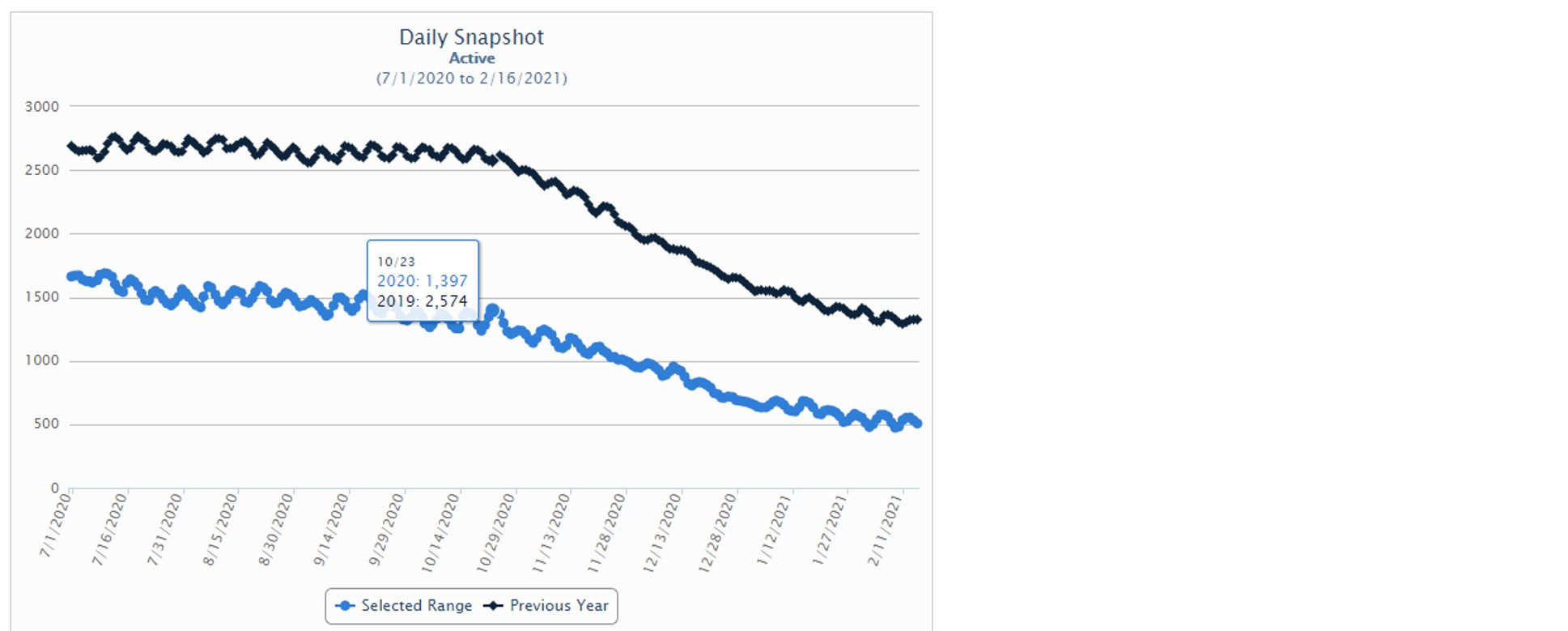
The date(s) you searched will be displayed in blue. The same date(s) the previous year will be displayed in black. Hover over any point on the graph to see the exact numbers represented.
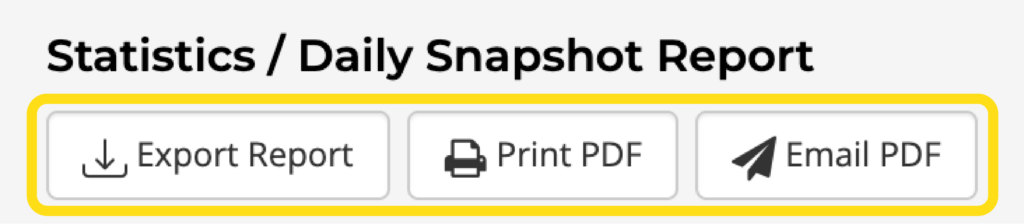
Select from the menu options across the top to perform various functions:
- Export Report can be used to export the data into a spreadsheet. Available formats include TAB, CSV, PSV, or XLS (excel) format.
- Print PDF can be used to print the graph(s).
- Email PDF can be used to email the graph to any email address.