
Skip to main content
How Can We Help?
The search results page offers you customization options and increased functionality. Additionally, the photo display view allows you to search results in a style similar to our Listing Alerts.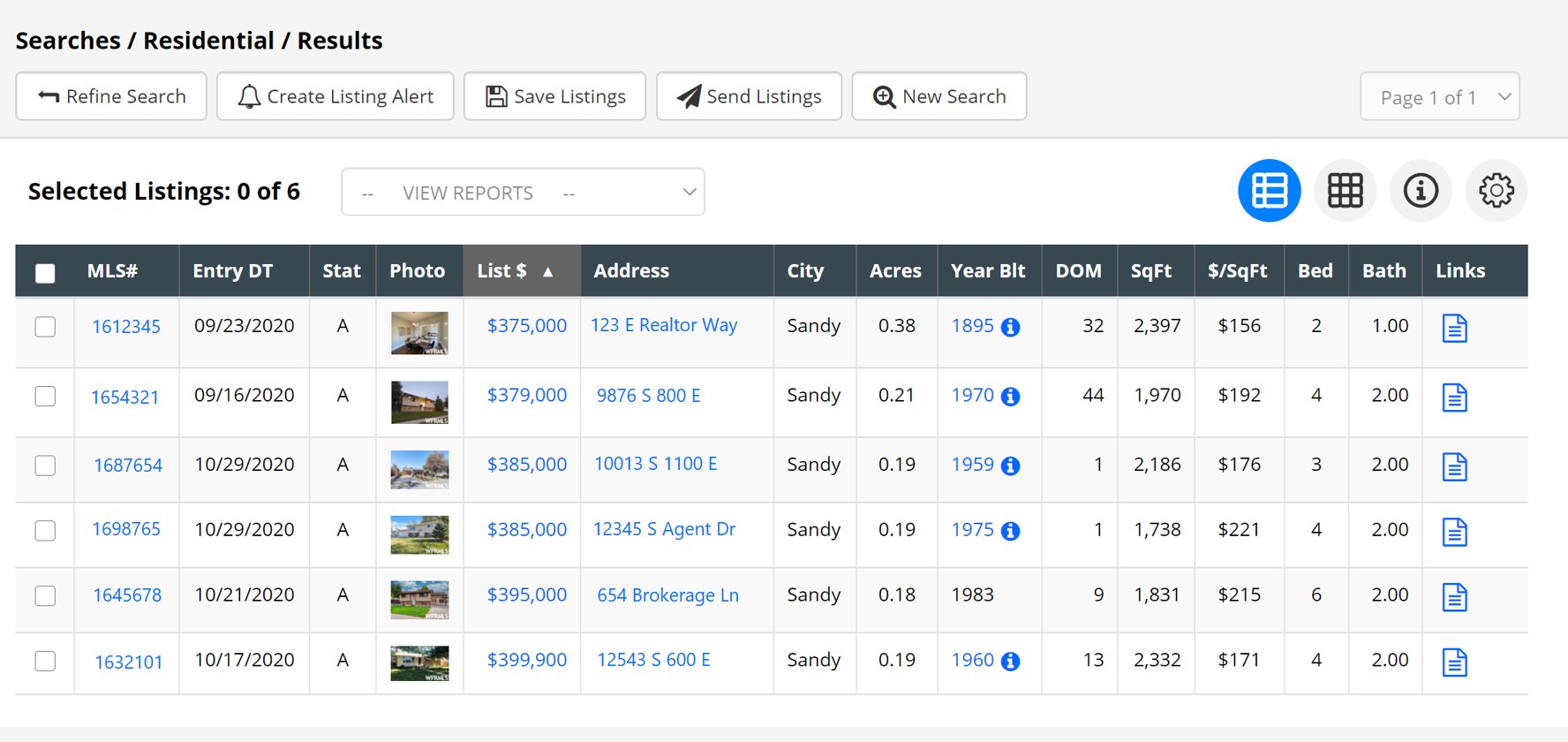
Columns can be sorted by clicking the title of the desired column.
Other options on the search results page include:
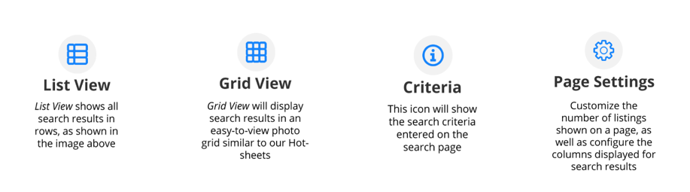
To Customize Columns that will be shown on the search result page, select ‘Change Column Display’ in the Page Settings menu.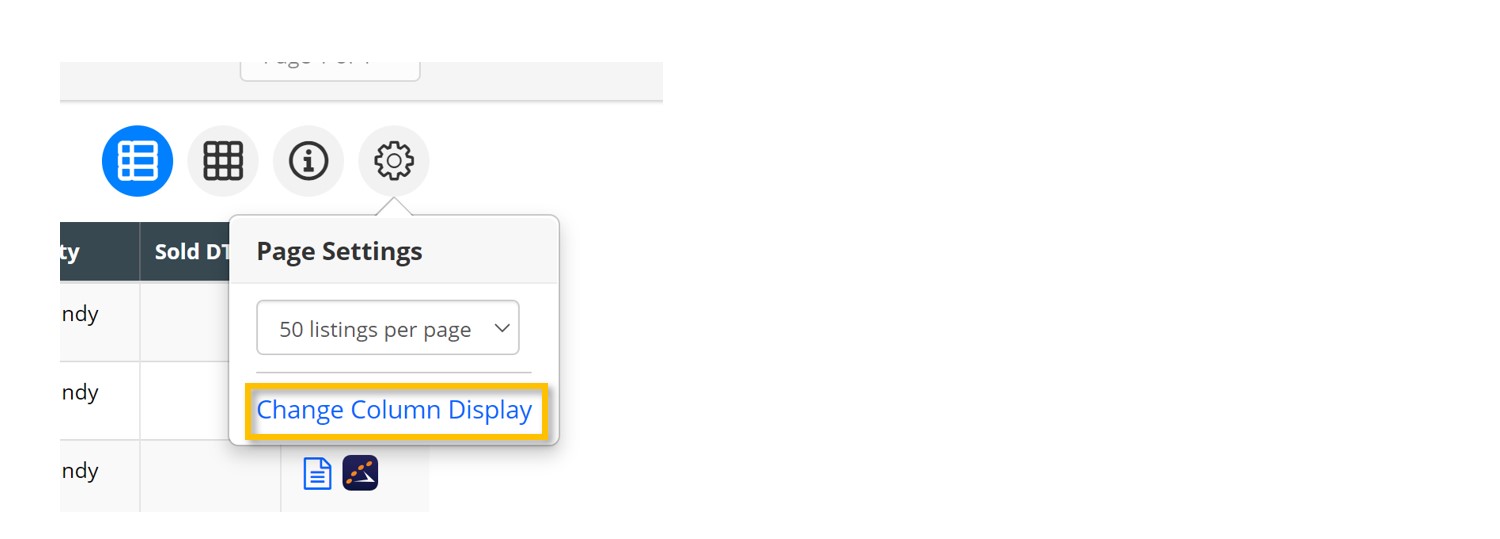
A window will pop up showing two columns. To change what information is visible or not visible in the search results page, simply drag and drop the fields between the ‘Show’ and ‘Hide’ columns. Select ‘Save Changes’ after desired changes have been made.