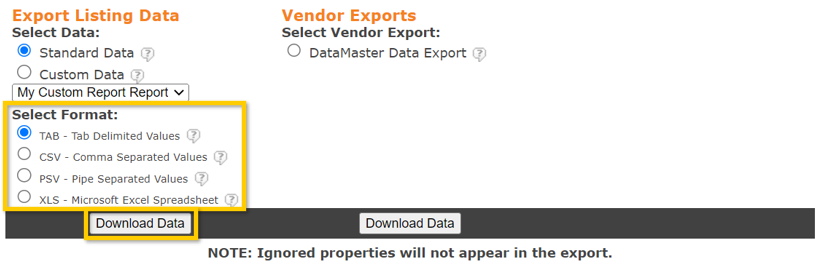
Yes. You can Export listings to Excel or any program that can read TAB, CSV, PSV, or XLS format. The export limit is 600 listings per export.
How do I Export Listings?
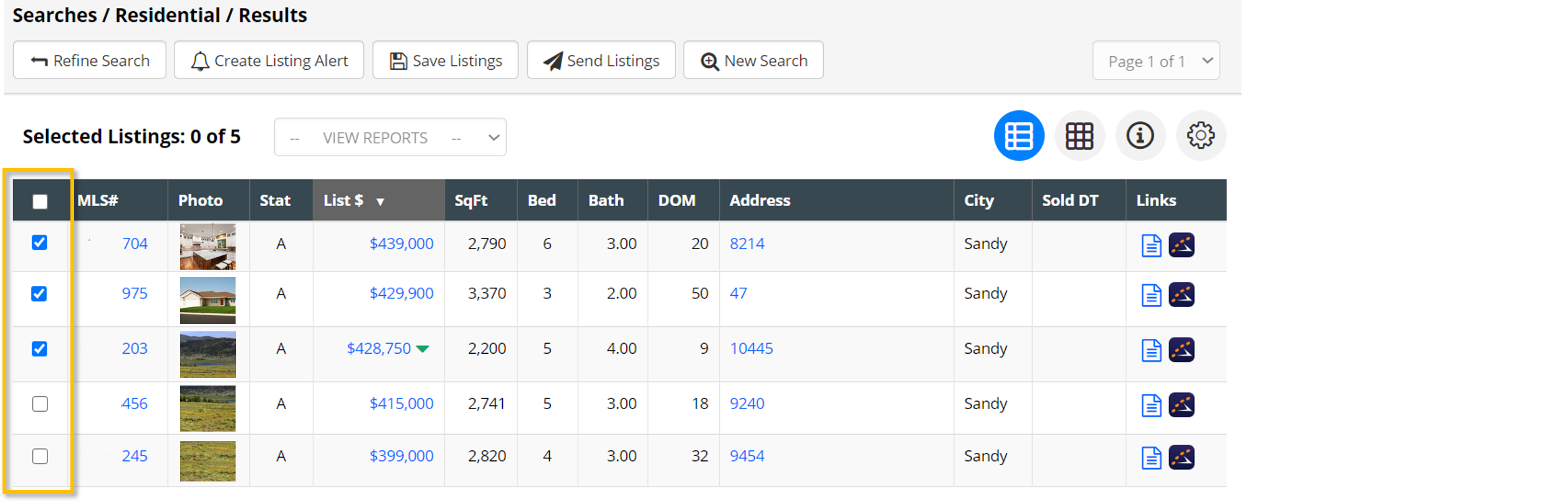
1. From the search results page, select the listings you would like to export. This can be one, several, or all the listings you returned from your search (limit of 600).
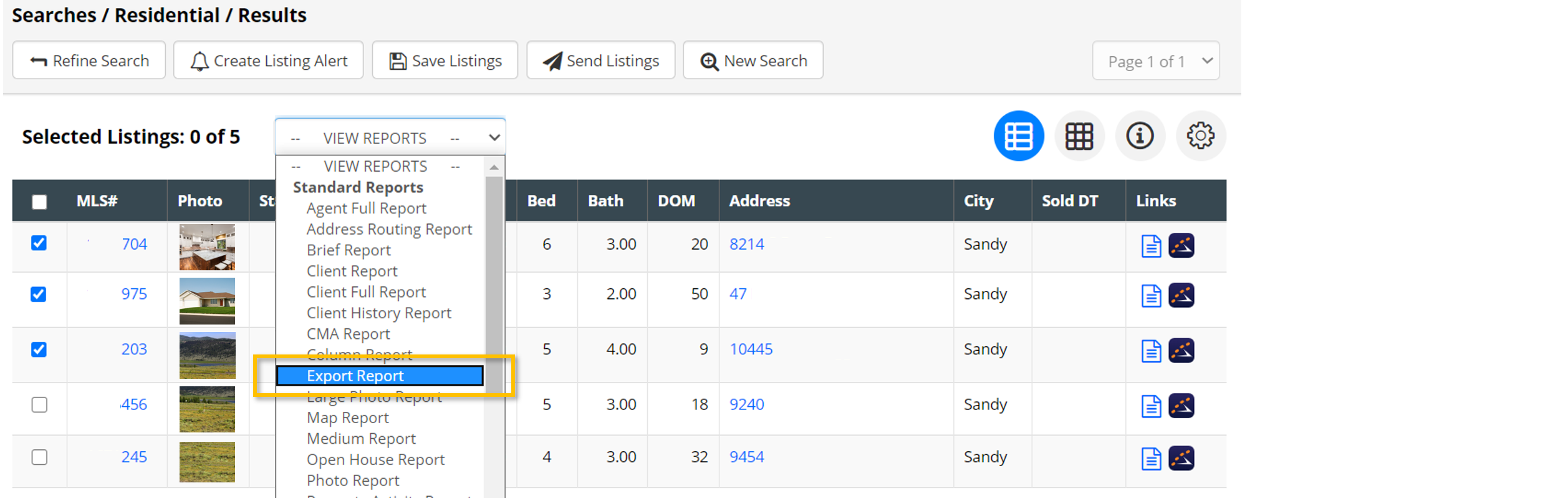
2. Once you have selected the listings, choose the Export Report from the Reports dropdown menu.
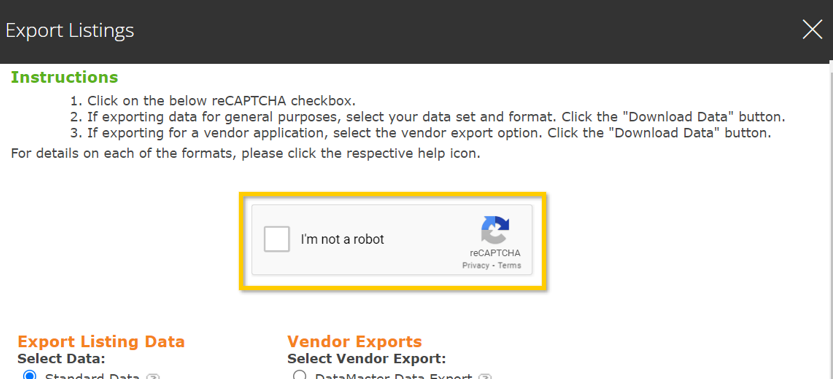
3. Complete the Security question.
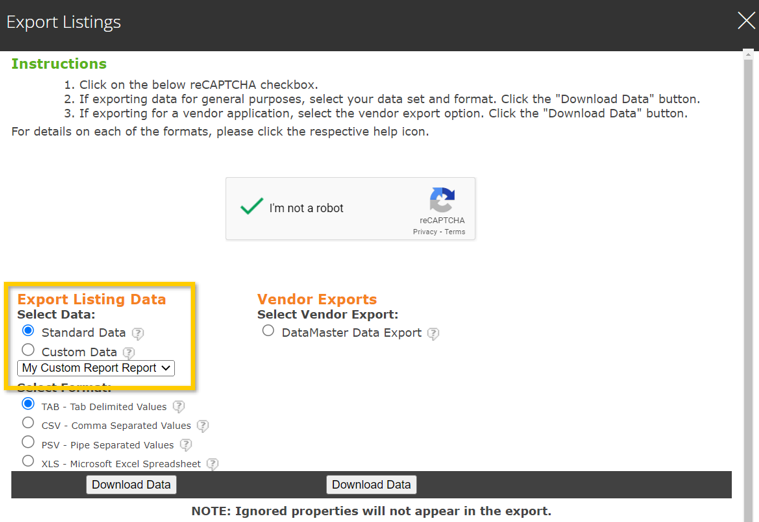
4. Choose between Standard and Custom data:
Standard data will export a lengthy report of over 100 fields.